How to Troubleshoot PACS issues

PACS can encounter issues that disrupt workflows and impact patient care. Whether it's a connectivity problem, a storage issue, or a software glitch, troubleshooting PACS requires a systematic approach to identify and resolve the underlying causes efficiently.
In this guide, I will walk you through the essential steps to troubleshoot common PACS issues. From understanding the types of PACS issues to diagnosing network connectivity problems and resolving server or workstation errors, I will try to equip you with the knowledge and tools needed to maintain a smoothly functioning PACS environment.
By following these troubleshooting strategies, healthcare professionals can ensure optimal performance of their imaging systems, leading to better patient outcomes and more efficient clinical operations.
Verifying and confirming the issues.
One of the first steps in troubleshooting PACS is to verify reported issues and gather pertinent details. you can do that using these steps :
.Active Communication: Engage with users to gather specific details about the problem they're experiencing. Encourage them to provide a detailed description of the issue, including any error messages or unusual behaviors observed.
. User Observation: Whenever possible, observe users like a Radiographer as they interact with the PACS system. This first hand observation can help identify nuances or patterns in how the issue manifests, providing additional context for troubleshooting.
. Documentation: Maintain detailed records of reported issues, including the date, time, and nature of the problem. Document any troubleshooting steps taken and their outcomes, as this information can be valuable for future reference.
Fixing the issues .
The next step after you have identify and confirmed the issues is to fix all the issues
The common PACS issues can be either Hardware issues, Software glitches or Network problems .
Common Hardware issues Include:
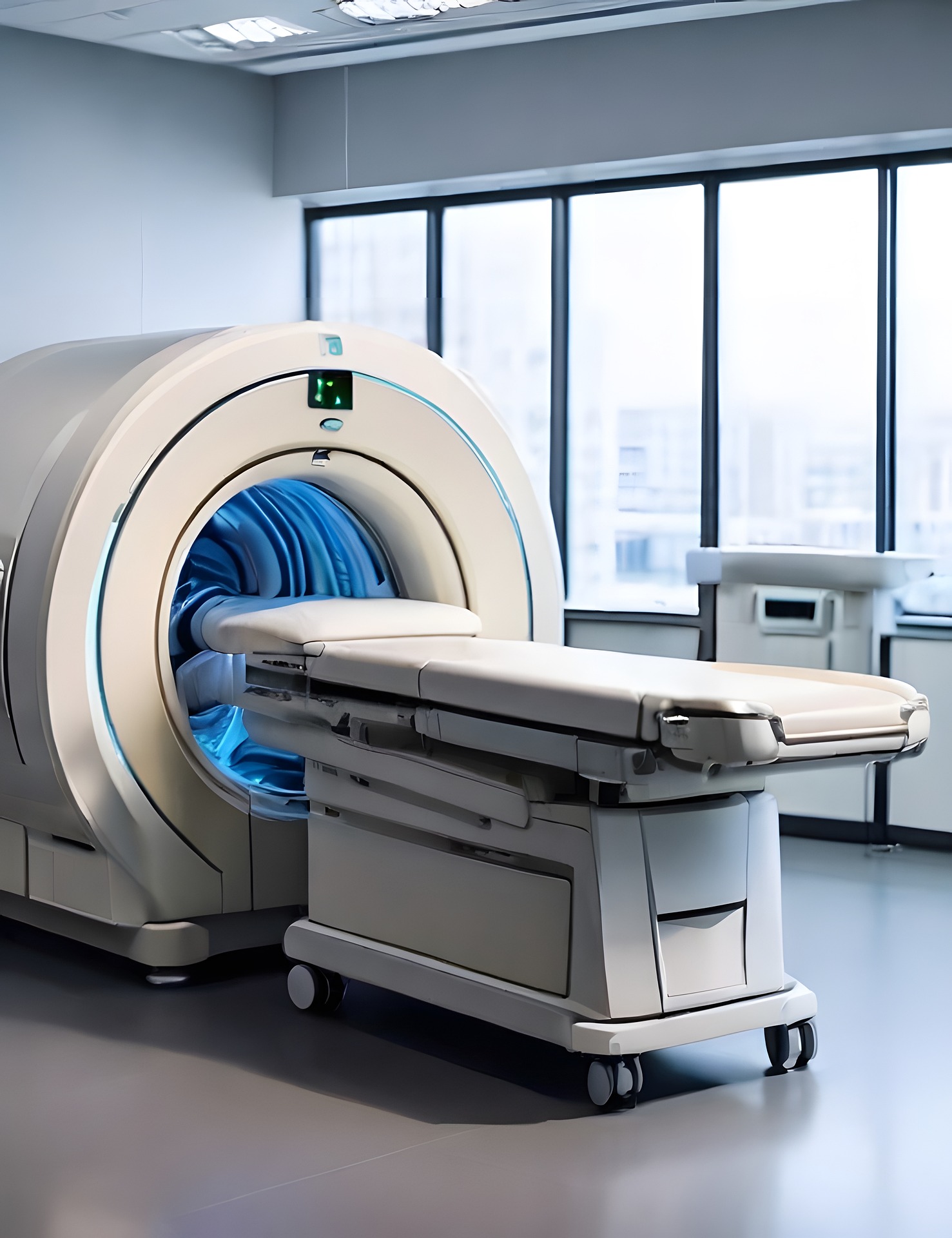
Server Crashes: Server failures can disrupt access to medical images and patient data stored within the PACS system, impacting clinical workflows and patient care.
Storage Disk Errors: Disk failures or errors on storage devices can result in the loss or corruption of image data, posing significant challenges for healthcare providers reliant on timely access to diagnostic images.
Workstation Malfunctions: Malfunctioning workstations can impede healthcare professionals' ability to view and interpret medical images, hindering diagnosis and treatment planning.
Strategies for Addressing Hardware issues are:
Implementing redundant hardware configurations to minimize the impact of single points of failure.
Regularly monitoring hardware health and performance metrics to detect issues proactively.
Establishing robust backup and disaster recovery procedures to mitigate the risk of data loss in the event of hardware failures.
Common Software issues Include:
Application Crashes: Software applications utilized for viewing and managing medical images may experience crashes or freeze, impeding users' ability to access critical patient data.
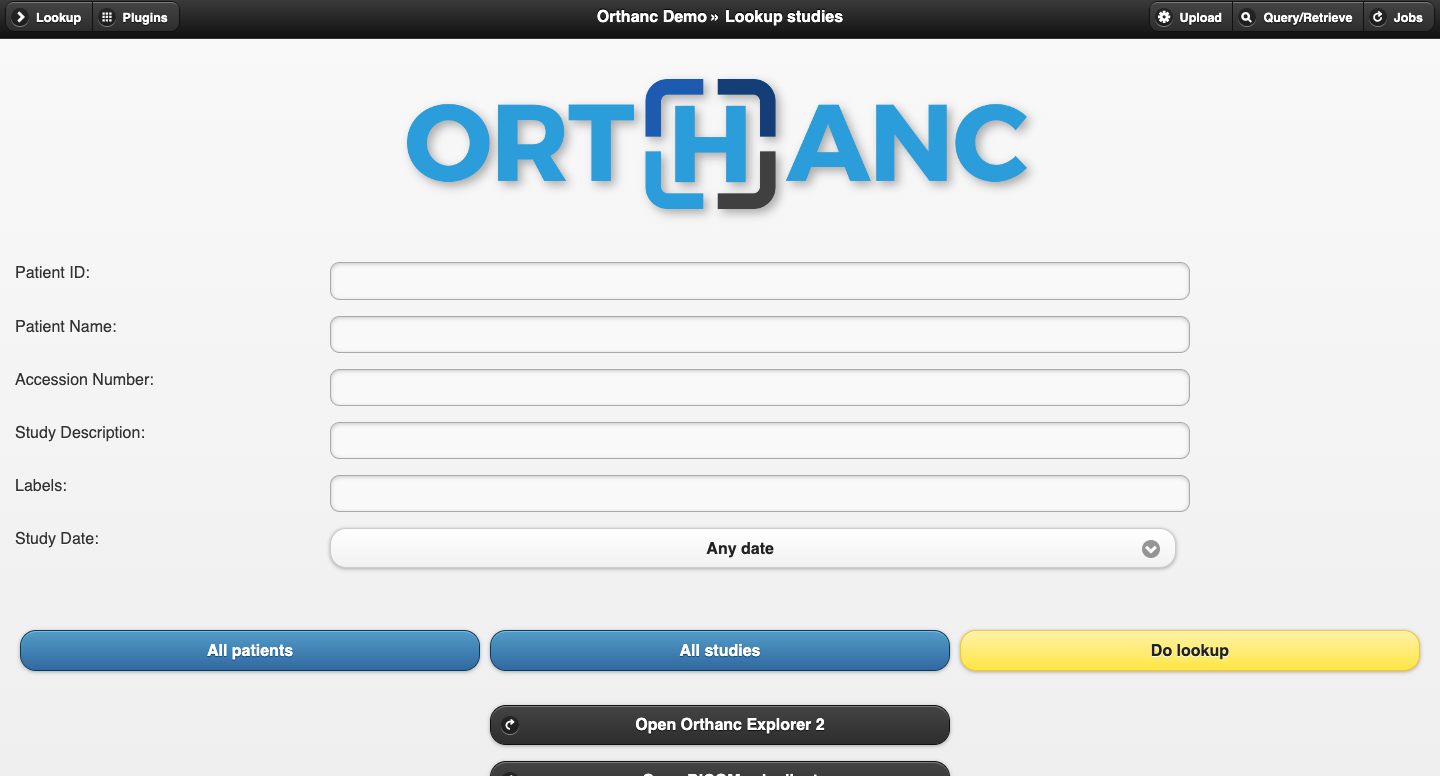
DICOM Communication Errors: Issues with DICOM (Digital Imaging and Communications in Medicine) communication protocols can result in failed image transfers or incomplete studies, hindering the seamless exchange of medical imaging data.
User Interface Issues: Poorly designed or unintuitive user interfaces can lead to user errors and inefficiencies, impacting healthcare professionals' productivity and satisfaction with the PACS system.
Strategies for Resolving Software issues:
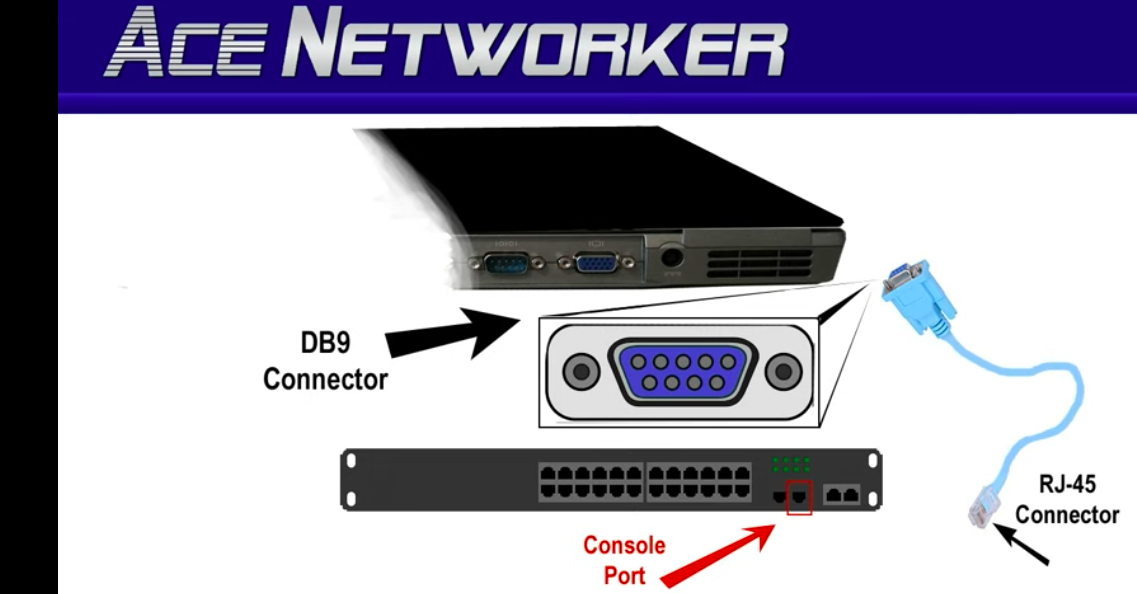
Verify viewer software settings. Check all the port and IP addresses of all the components PACS devices .
Keeping software applications up to date with the latest patches and updates to address known bugs and vulnerabilities.
Conducting regular testing and quality assurance checks to identify and rectify software issues before they impact end-users.
Providing comprehensive user training and support to empower healthcare professionals to navigate software challenges effectively.
Network issues: Bridging the Digital Divide
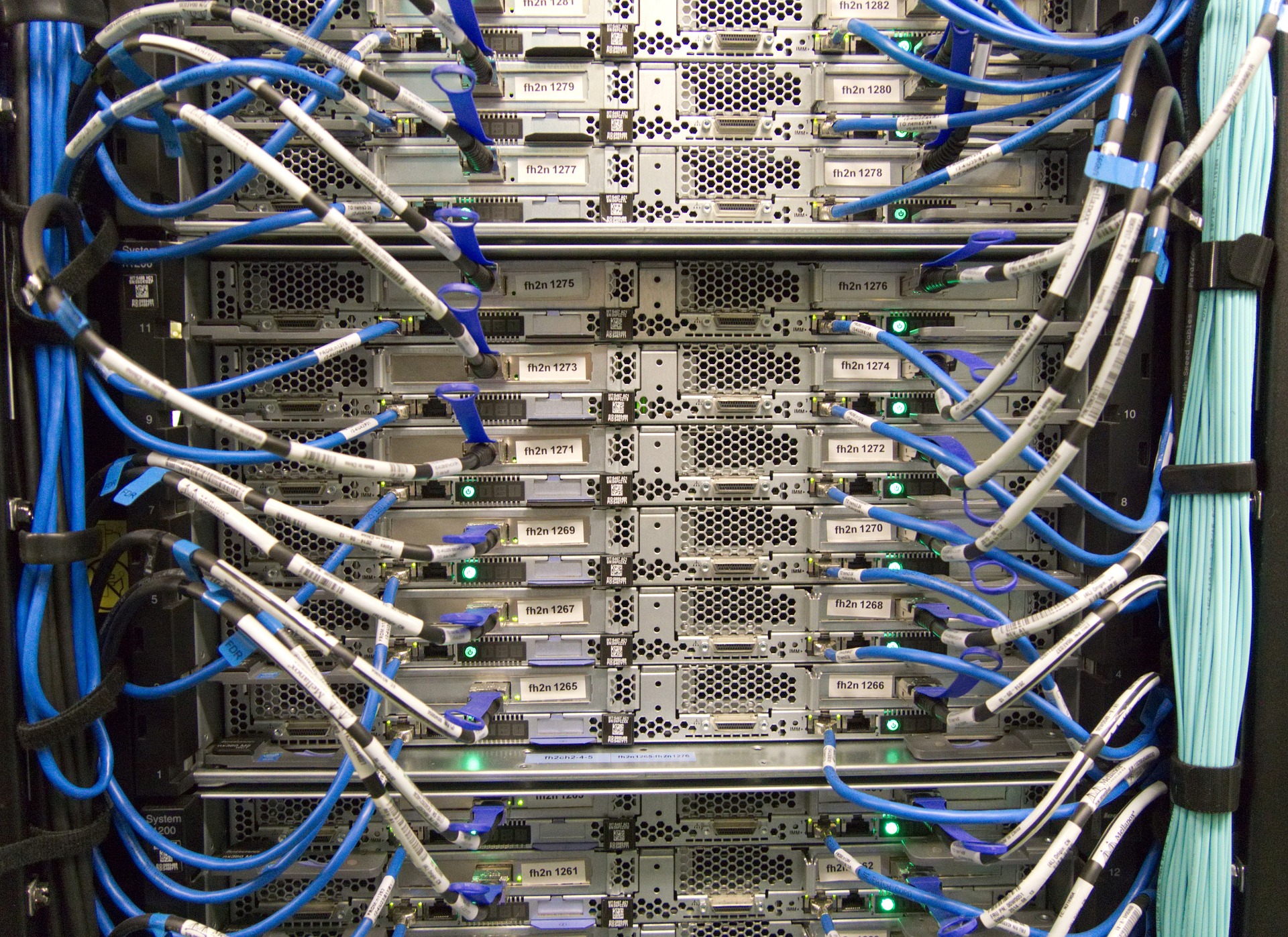
The network infrastructure serves as the backbone of PACS, facilitating the seamless transmission of medical imaging data across interconnected systems. However, network problems such as latency, congestion, and connectivity issues can impede data exchange and compromise system performance.
Common Network issues Include:
Bandwidth Limitations: Insufficient network bandwidth can lead to slow image transfer speeds and degraded performance, particularly in environments with high data volumes or concurrent user access. Click here to learn how to run Bandwidth Limitations test
Network Congestion: Network congestion caused by heavy traffic or bottlenecks can result in packet loss and latency, adversely affecting the real-time viewing and retrieval of medical images. You can as well use Bandwidth limitation test to verify the Network congestion
Interference and Signal Degradation: External factors such as electromagnetic interference or signal degradation can disrupt network connectivity, leading to intermittent connectivity issues and data transmission errors.
Strategies for Addressing Network Problems:
Conducting regular network assessments and performance monitoring to identify and address potential bottlenecks or areas of concern.
Execute PING test to know the efficiency of the PACS connection. Read more on PACS ping test here
Implementing Quality of Service (QoS) policies to prioritize critical PACS traffic and ensure reliable data transmission.
Collaborating with network engineers and IT professionals to optimize network infrastructure and address underlying issues affecting PACS performance.
Check for Firewall and Security Settings issues and ensured all Ports are Open. Click here to know how to confirm if the ports are open for connection
In conclusion , navigating the terrain of hardware, software, and network challenges requires a proactive and multifaceted approach. By understanding the common points of failure and implementing strategies for resolution, healthcare professionals can fortify their PACS environments against disruptions, ensuring the uninterrupted flow of medical imaging data critical to patient care. As technology continues to evolve, fostering collaboration between healthcare providers, IT professionals, and industry stakeholders remains paramount in navigating the path to PACS resilience and reliability.